Limited Time Offer! Get 50% off on all packages. See Packages
Interior AI
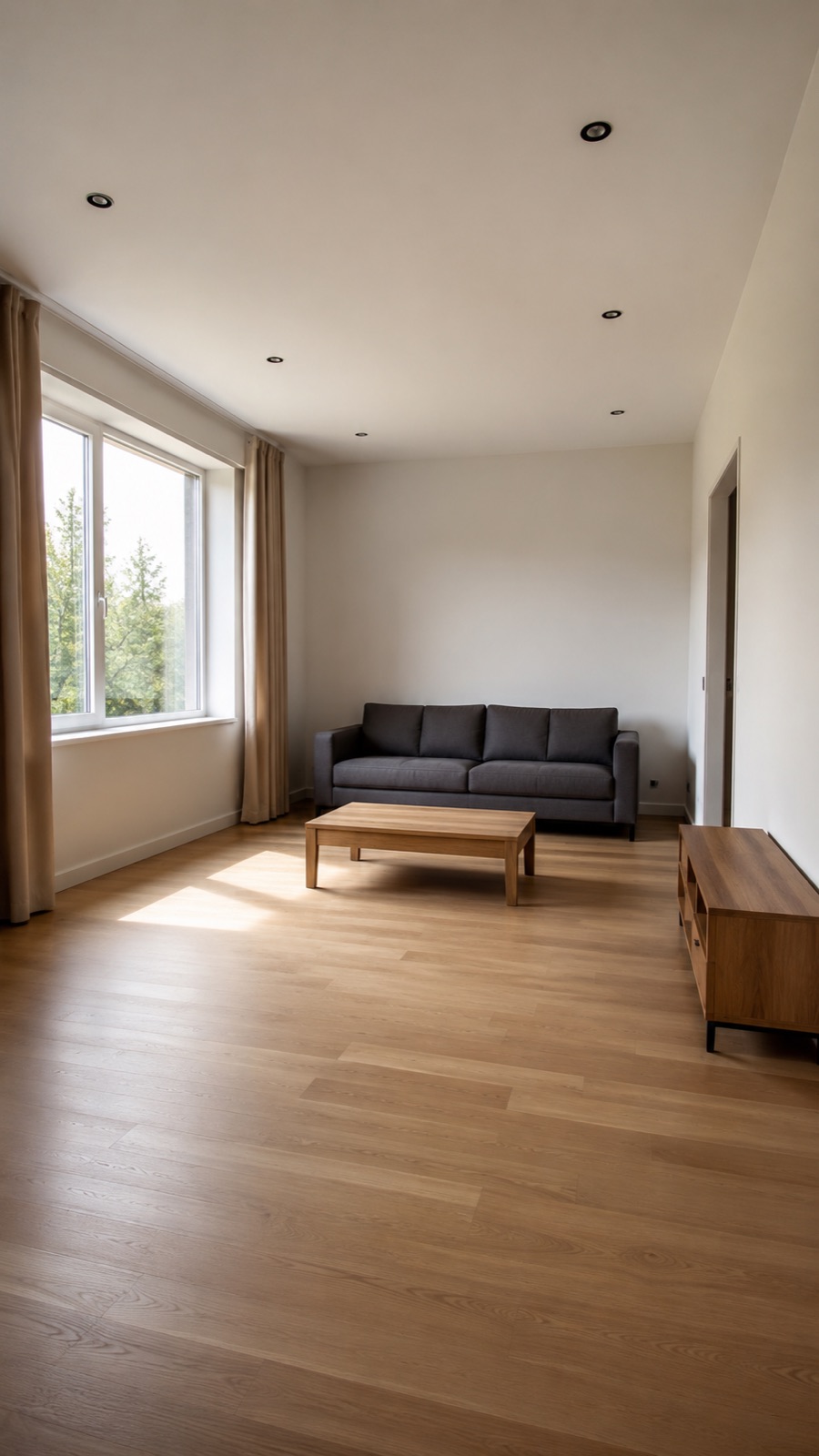
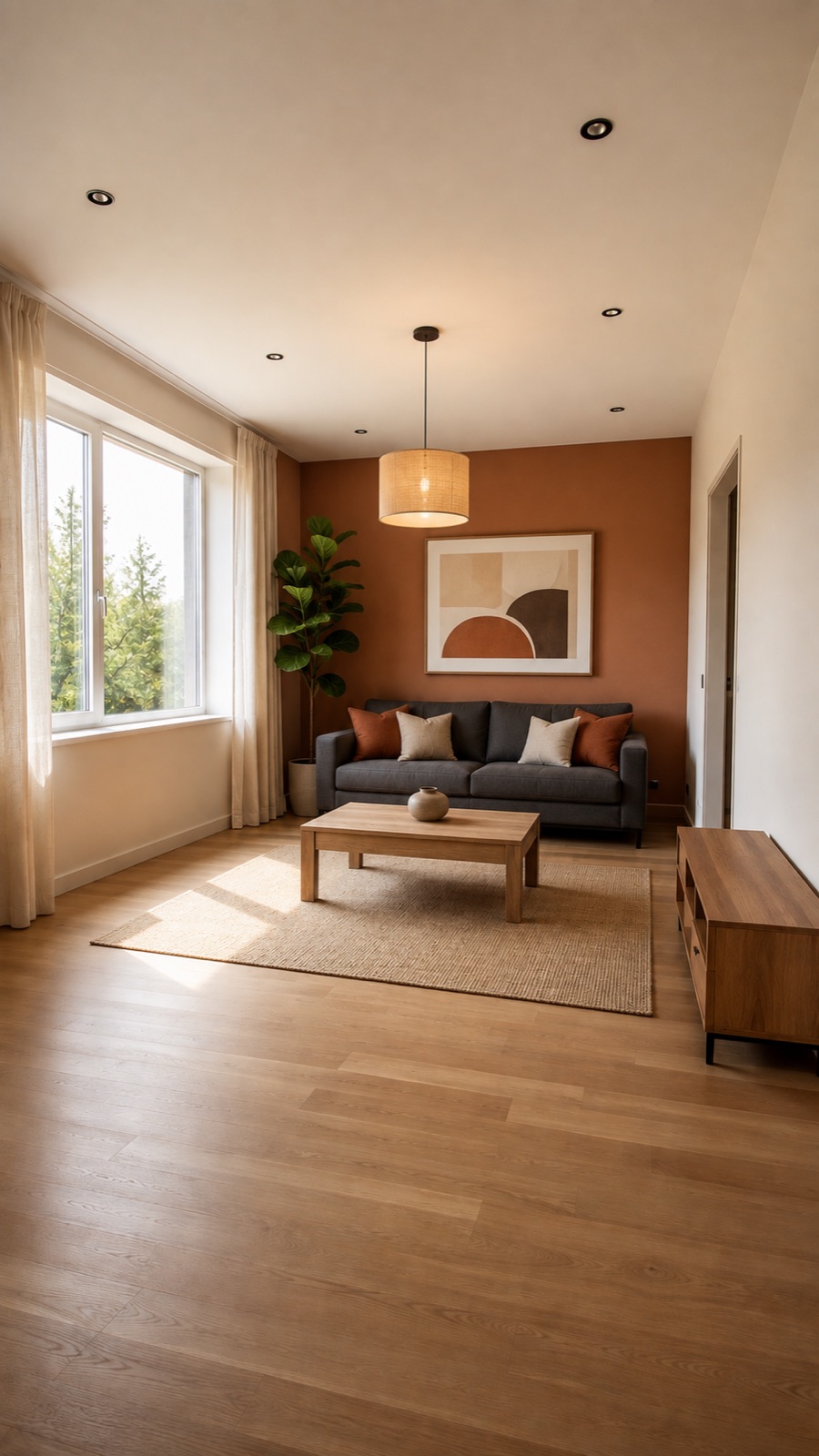
Seeing the potential of a space is the first step to redesigning it. Interior AI analyzes your real room photo, preserves the architectural structure and creates photorealistic design alternatives. Refresh the style of your space, transform its purpose or redesign the interior from scratch.
Try for Free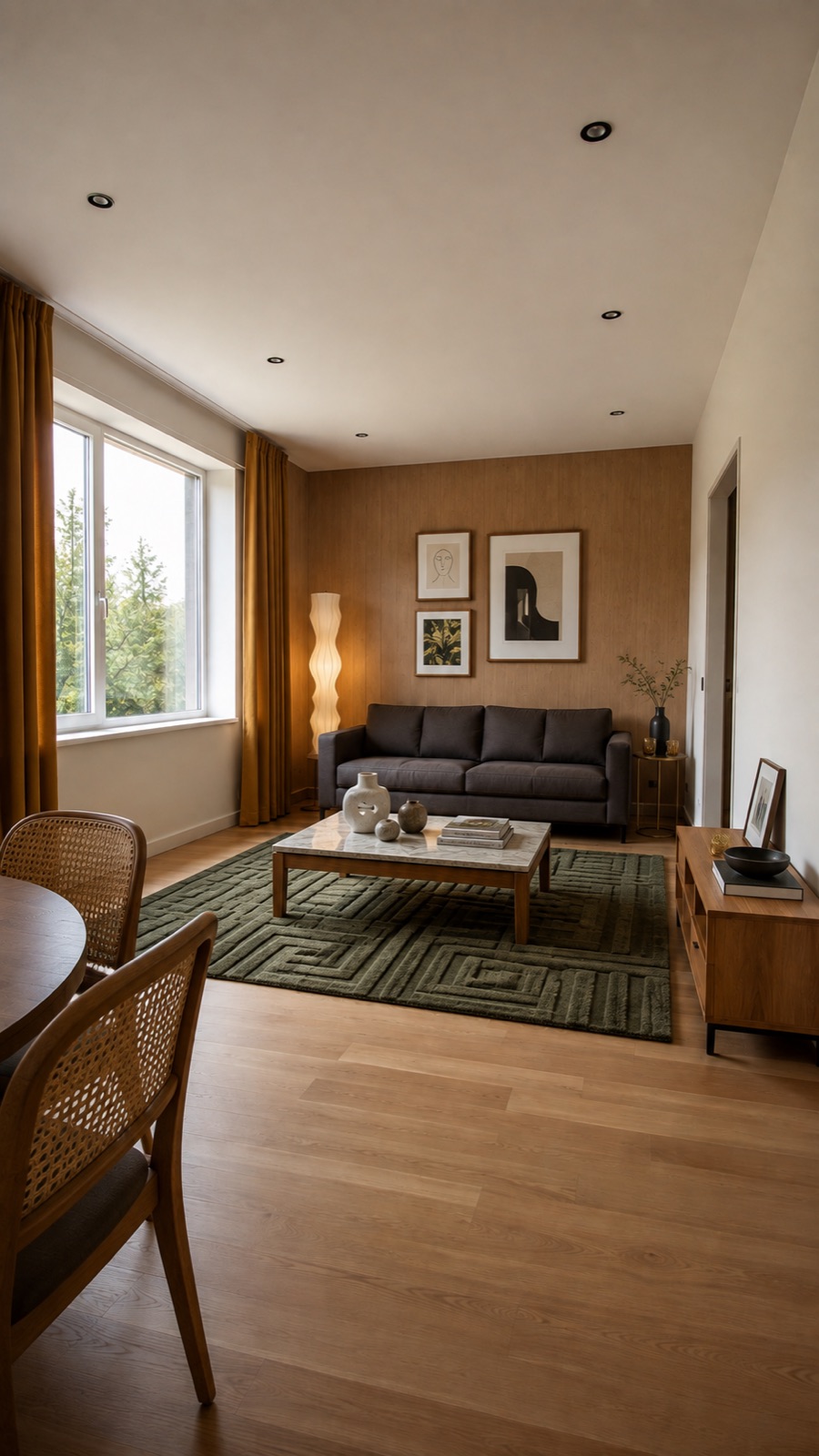
AI-Powered Interior Design
How It Works
Interior AI analyzes the real room photo you upload and creates a new design consistent with the architecture, scale, perspective and light.
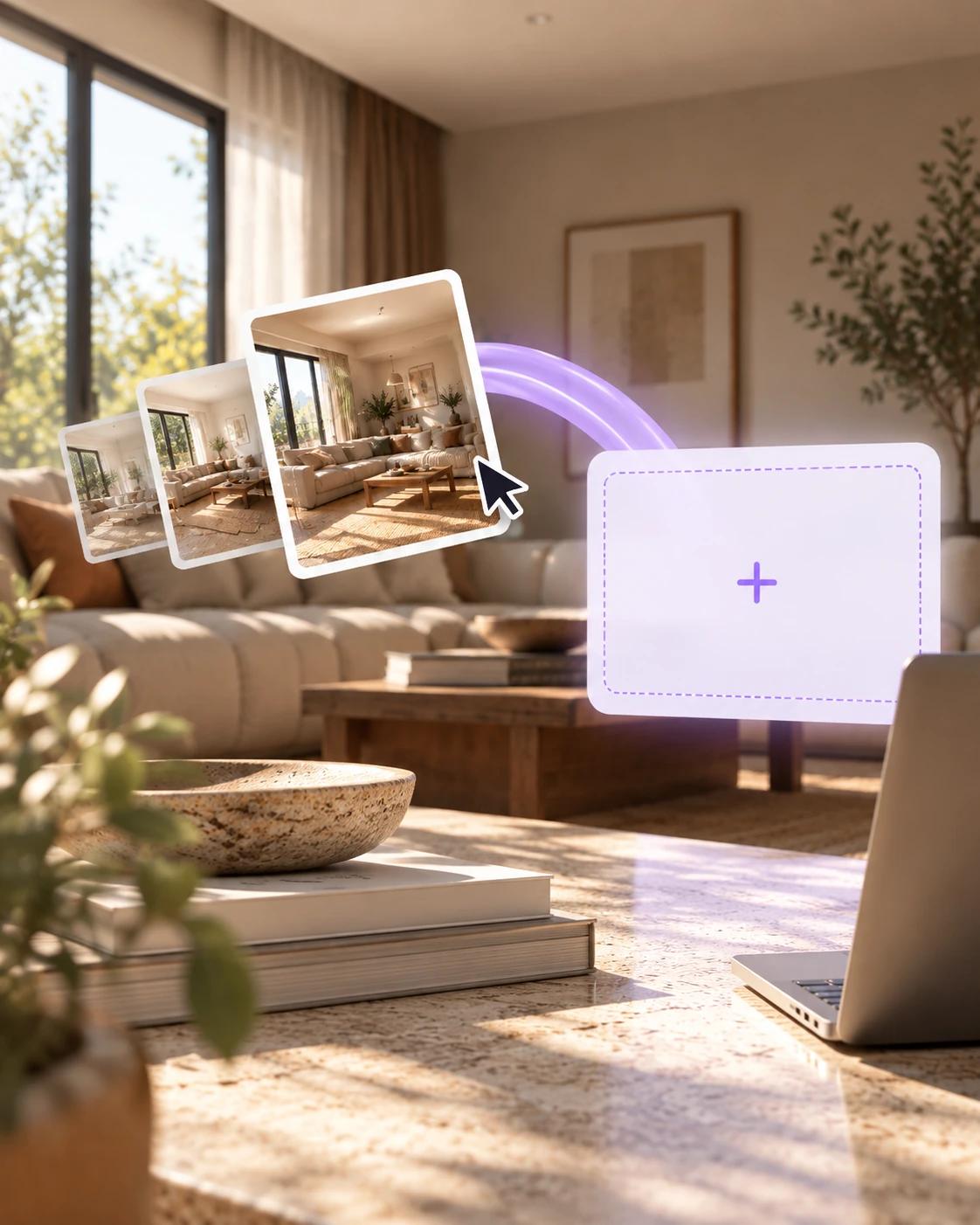
Add a photo of the space you want to transform.
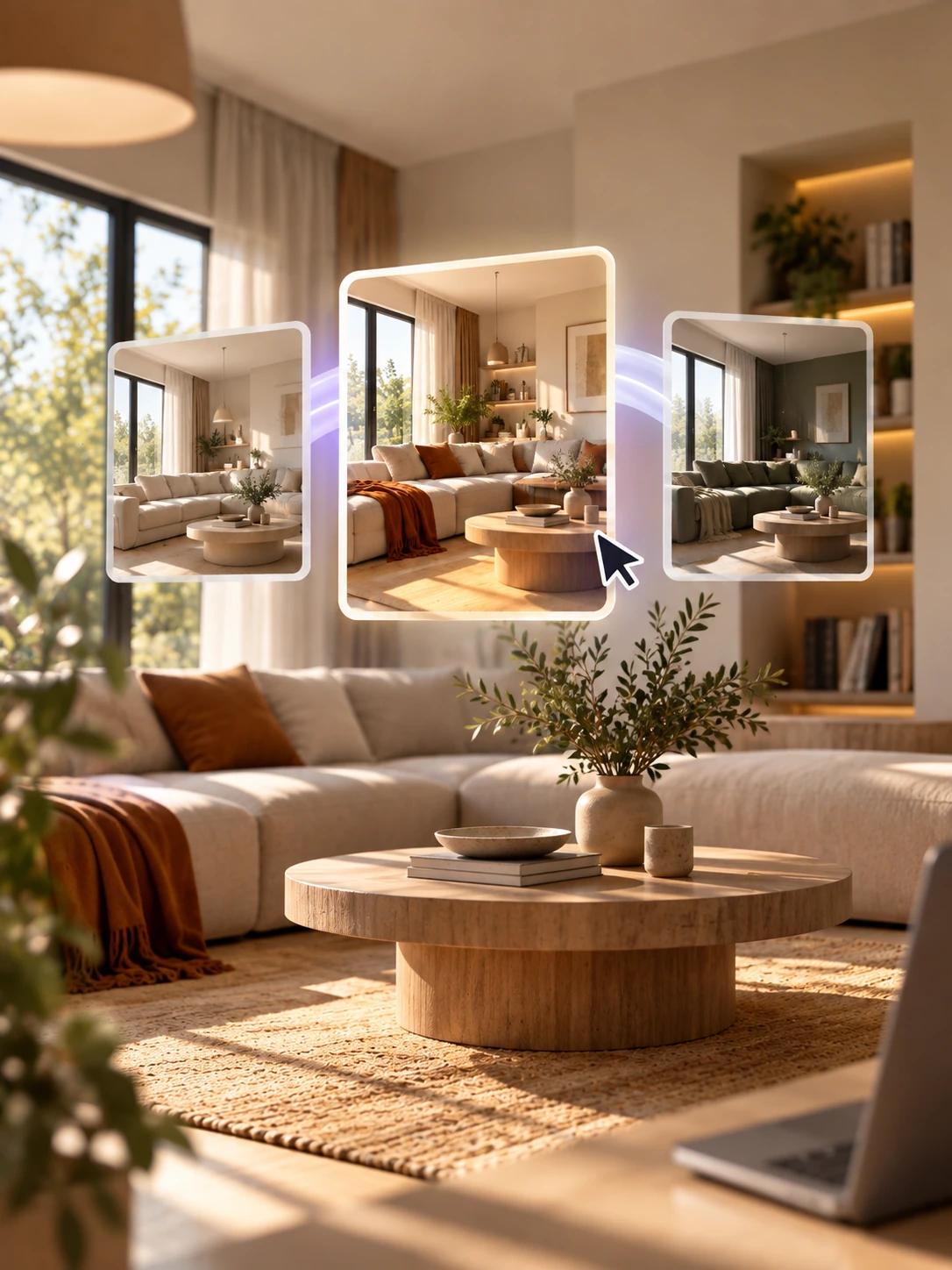
Pick Refresh, Partial Redesign or Complete Redesign.
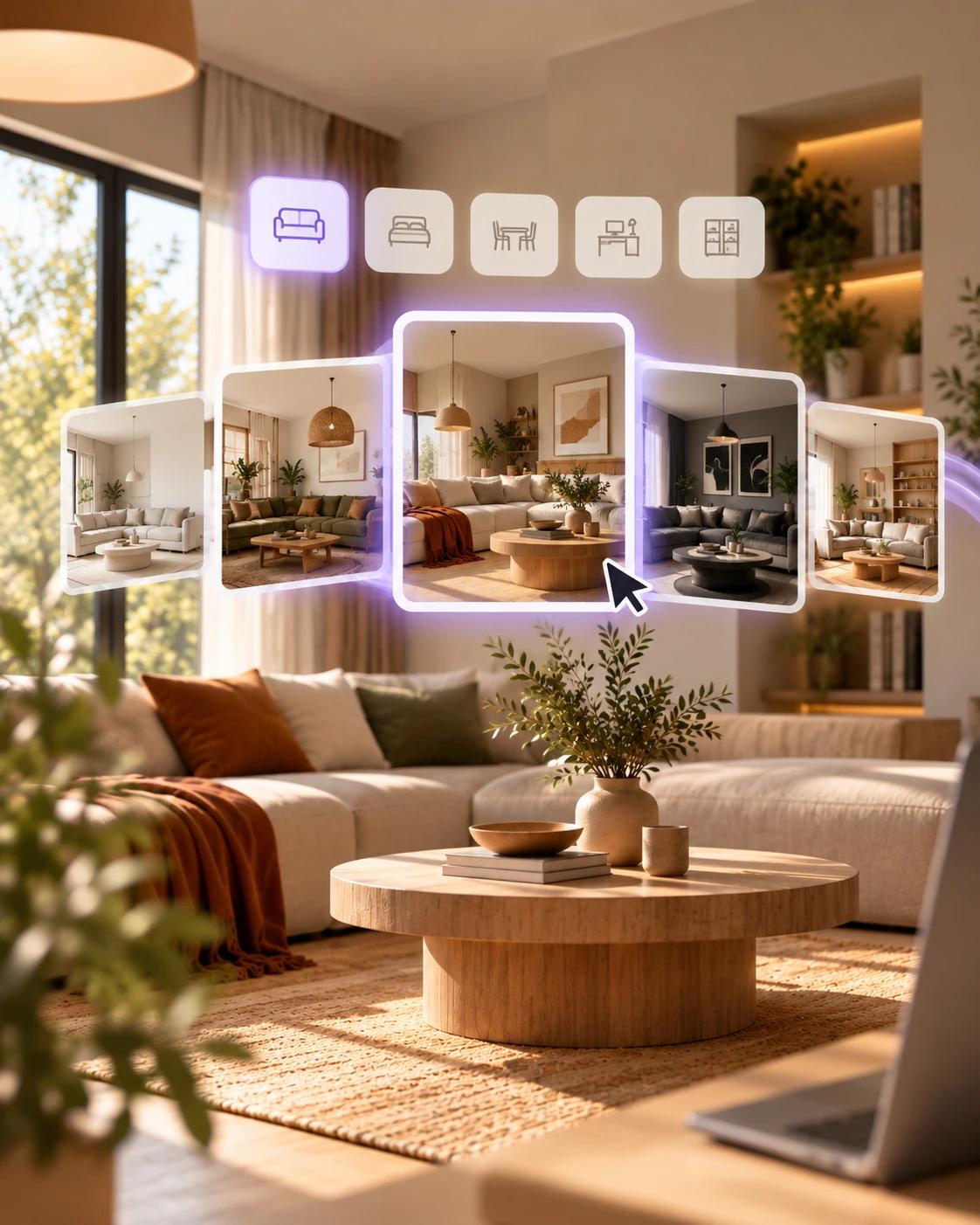
Select the purpose of the room and the design style you want.
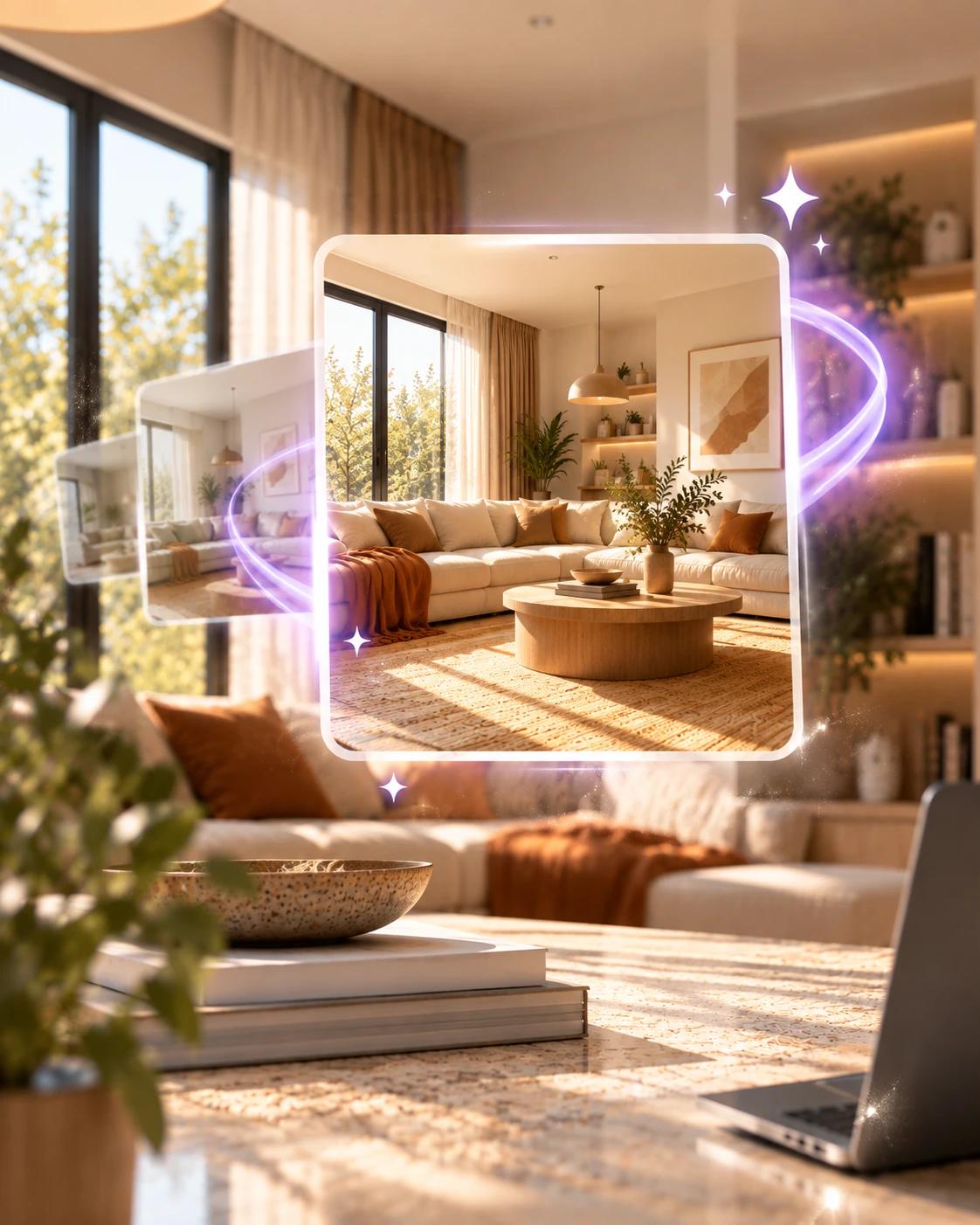
View your photorealistic new design in seconds.
Who Is It For?
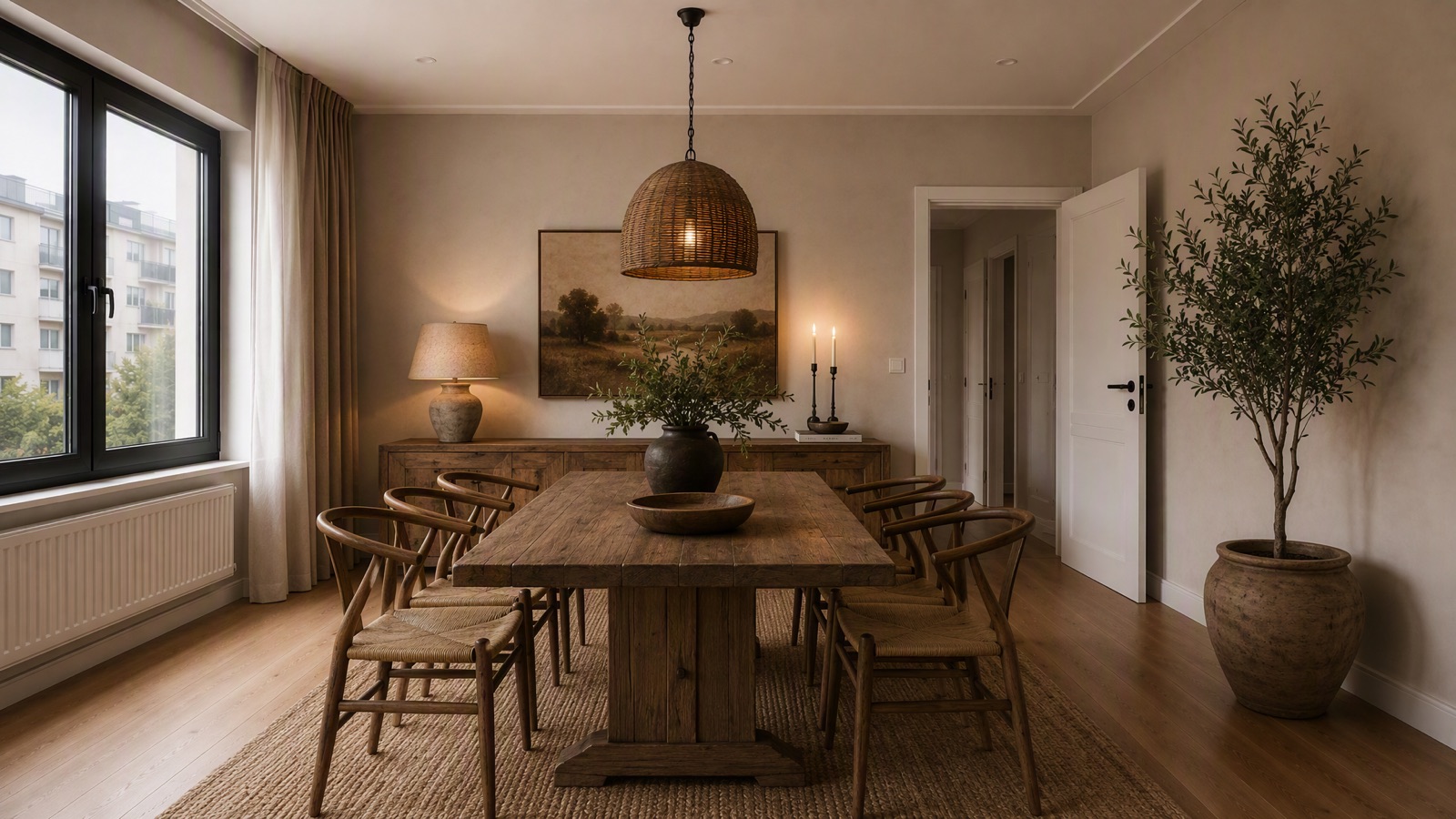
Create inspiring experiences showing how products and collections can be positioned in different living spaces.
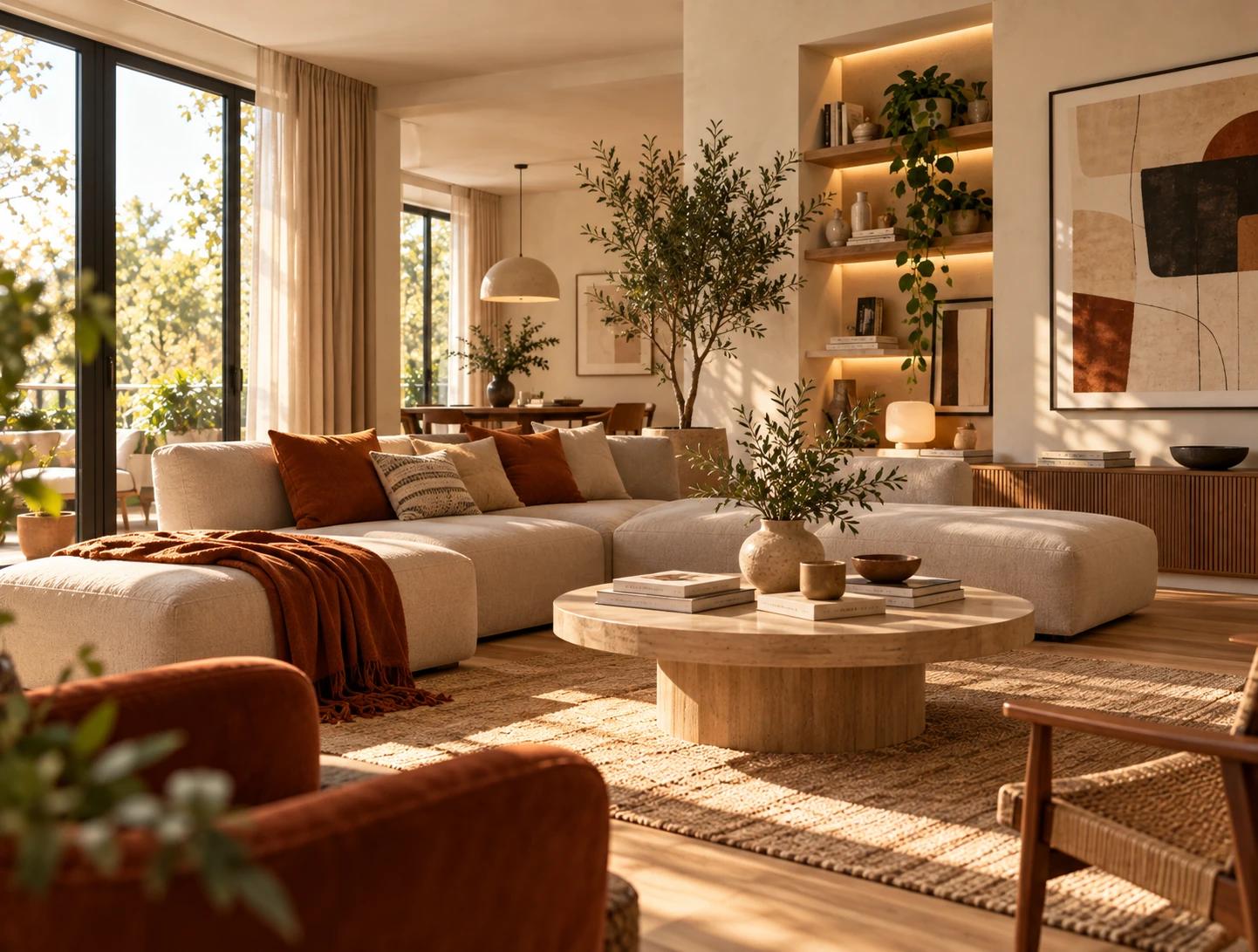
Quickly visualize different design ideas for your clients and support early design decisions with stronger presentations.
Show the potential of empty or existing spaces with different usage and decoration alternatives.
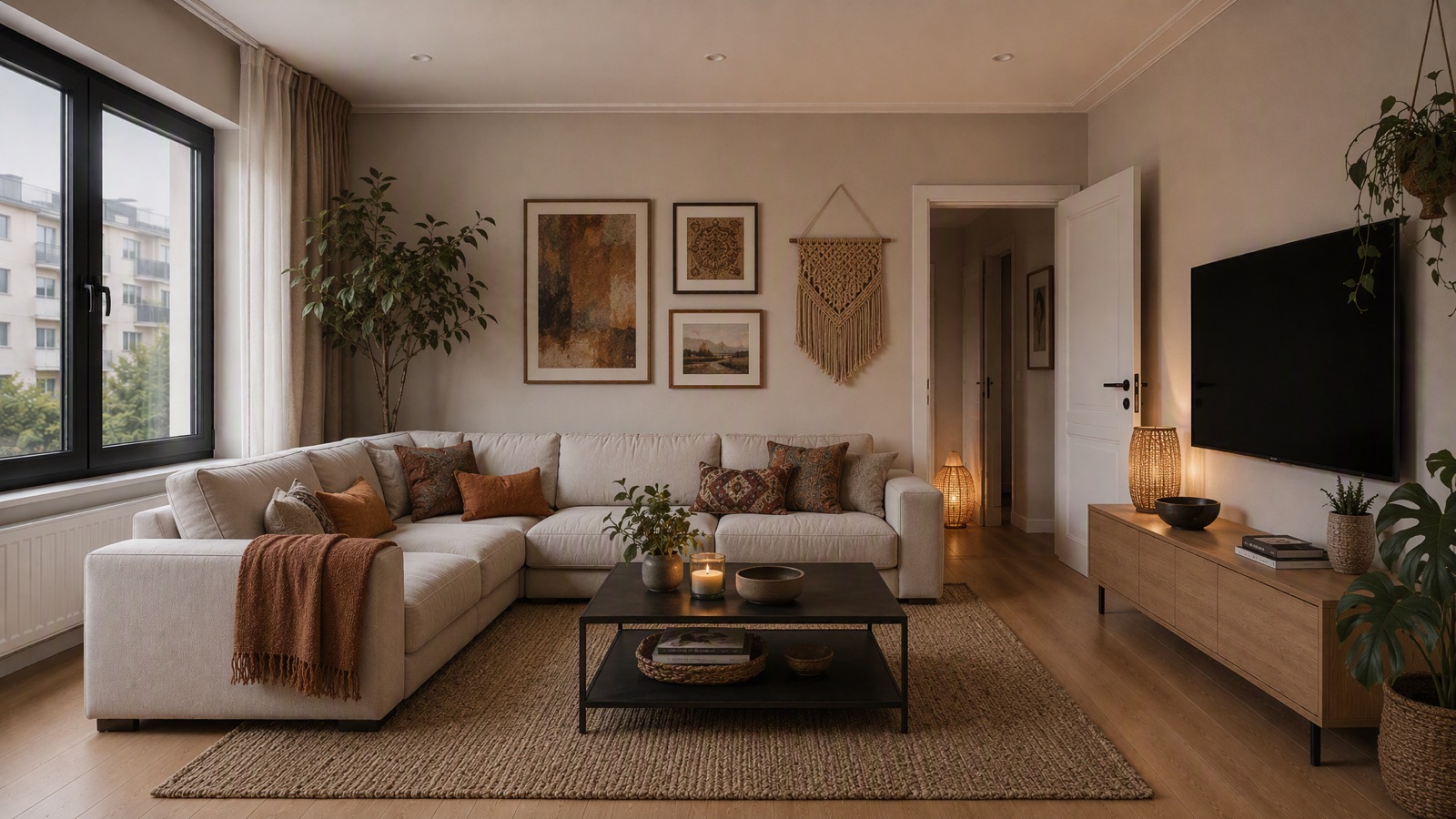
Let users explore design ideas for their own living spaces before purchasing products.
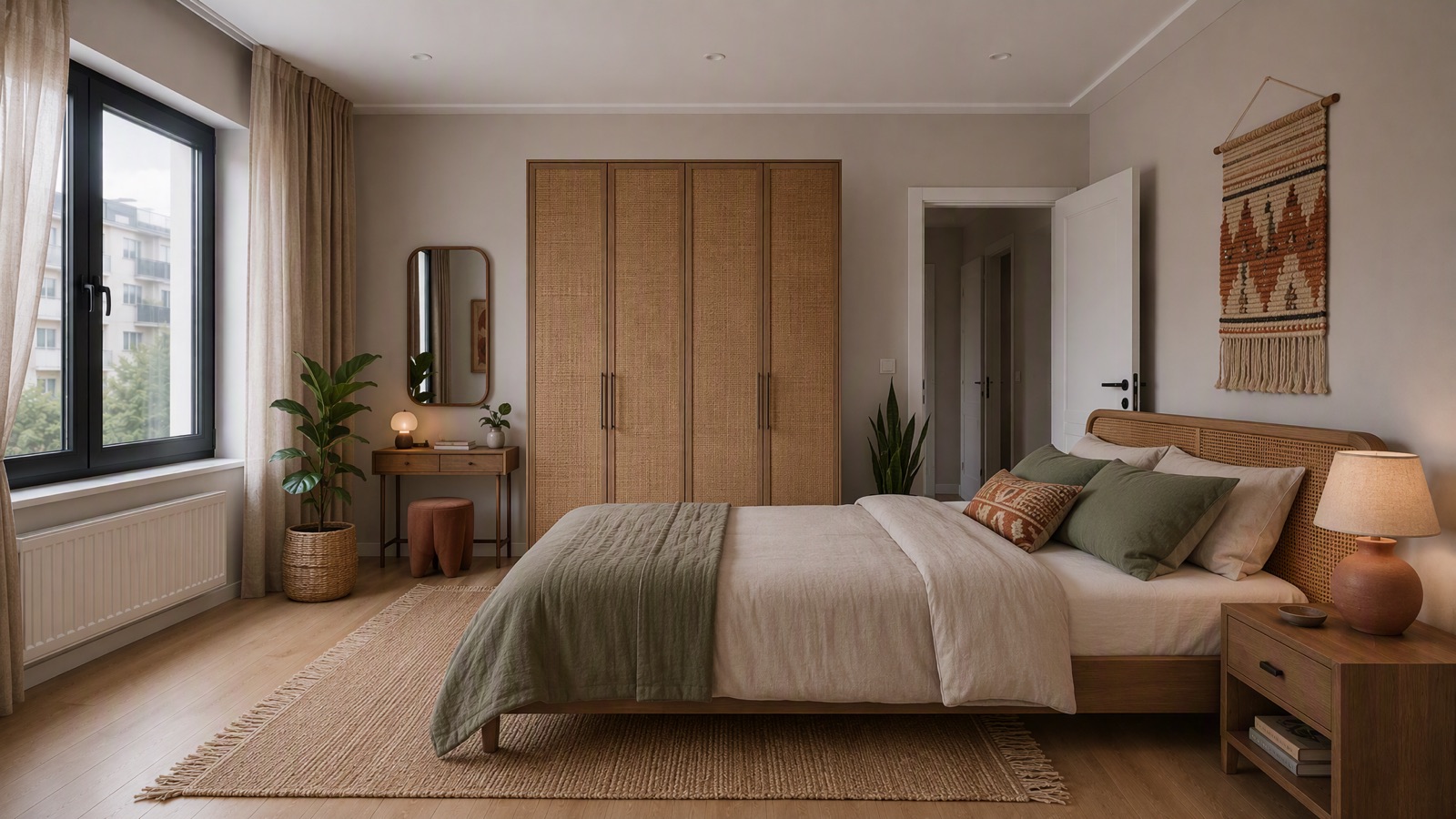
Try different styles, functions and decoration ideas on your own space before making changes at home.
Created with LUNAAR
Get Started
From a small decoration change to a completely new interior design — see your ideas on your own space. Create realistic, applicable design alternatives that preserve the architecture, in seconds.
Try Interior AI for FreeExplore the mobile appsTransformation Levels
With Interior AI, experience different transformation levels — from small decorative touches to a completely new interior design.
Same space. A new atmosphere.
Keep your existing furniture; renew colors, textiles, lighting and decorative details for a fresh look.
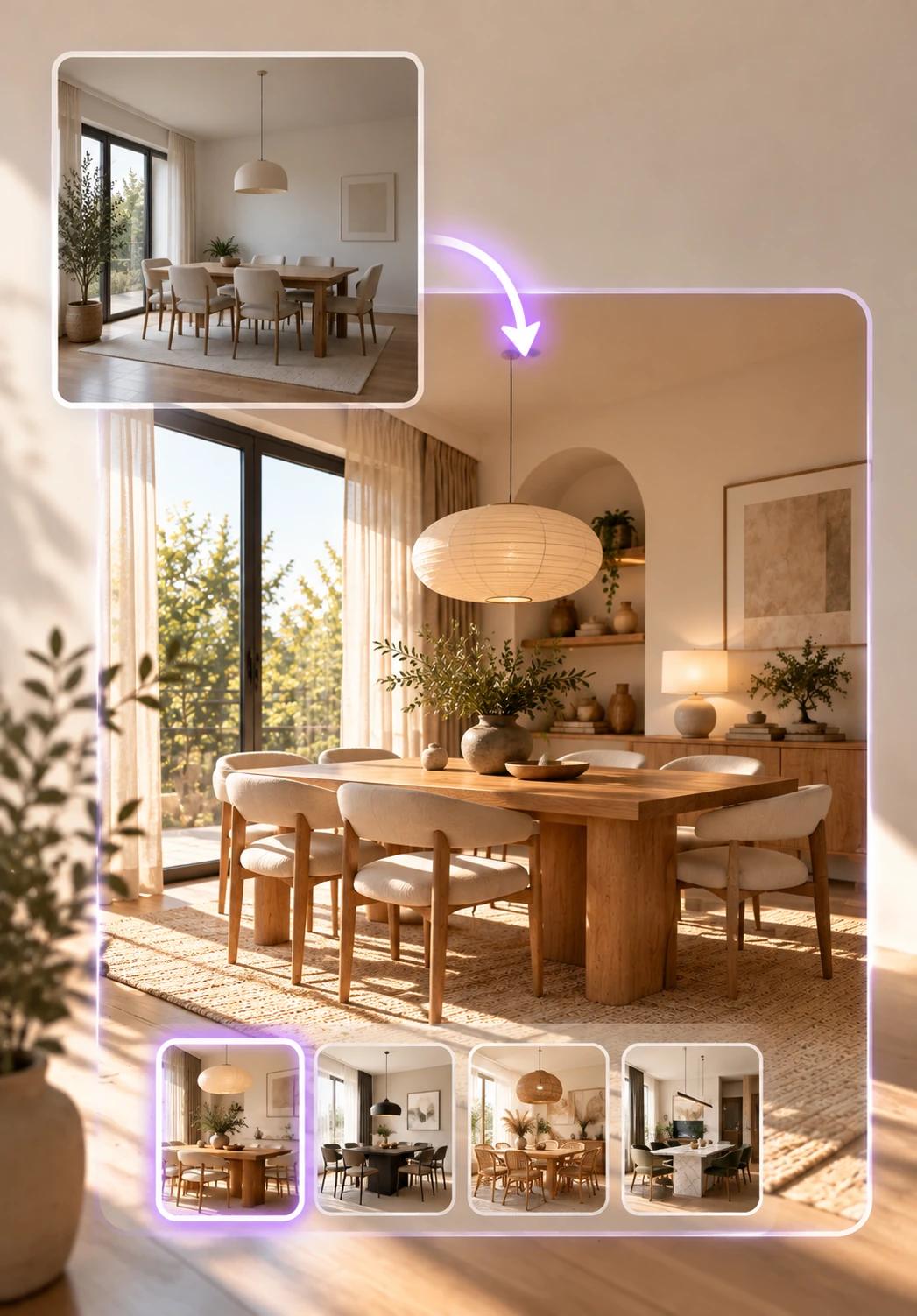
Create a whole new design language while keeping the pieces you love.
Keep your main furniture while redesigning complementary pieces, decoration, lighting and surfaces.
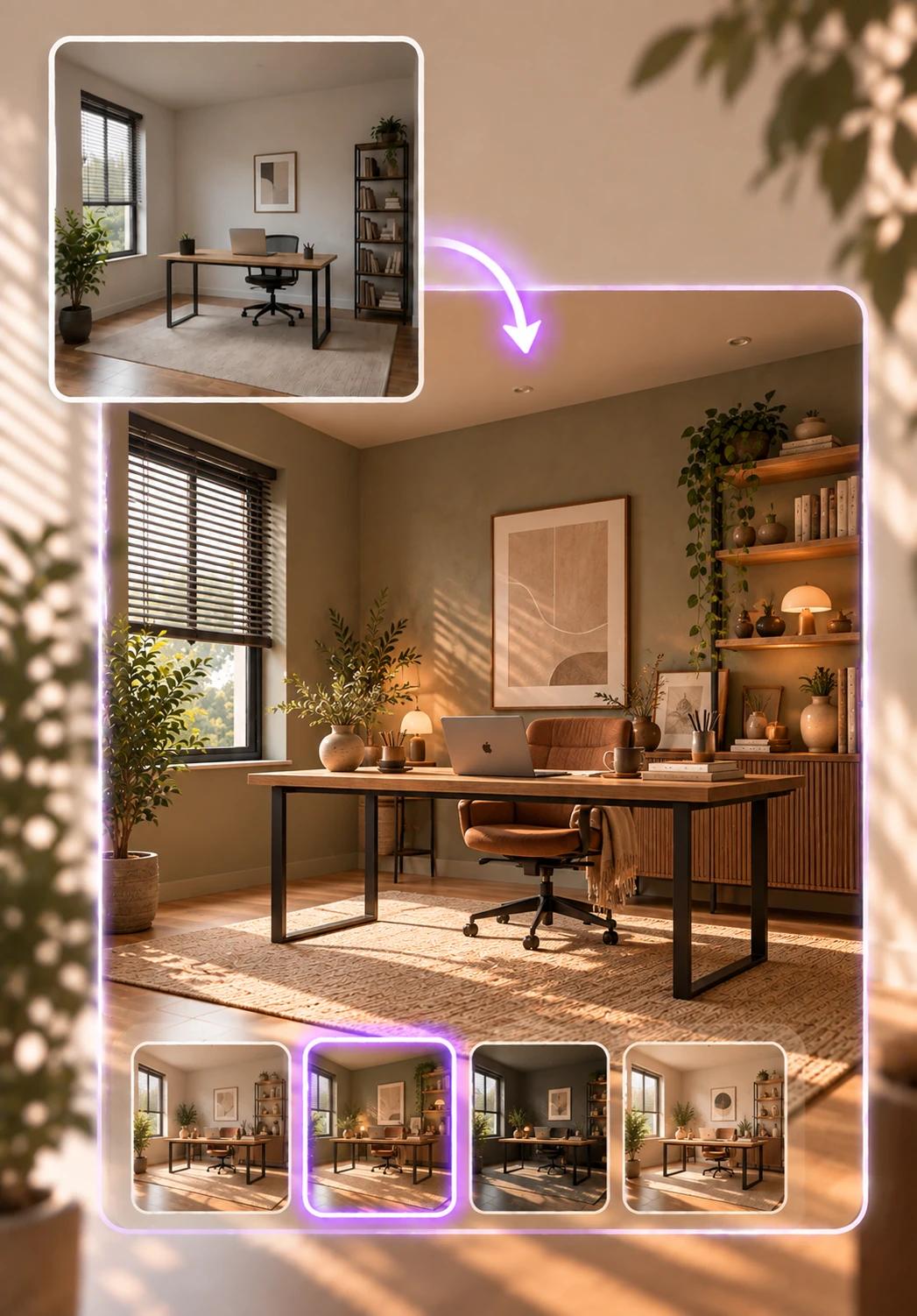
Discover in seconds how the same space could look with a completely different design.
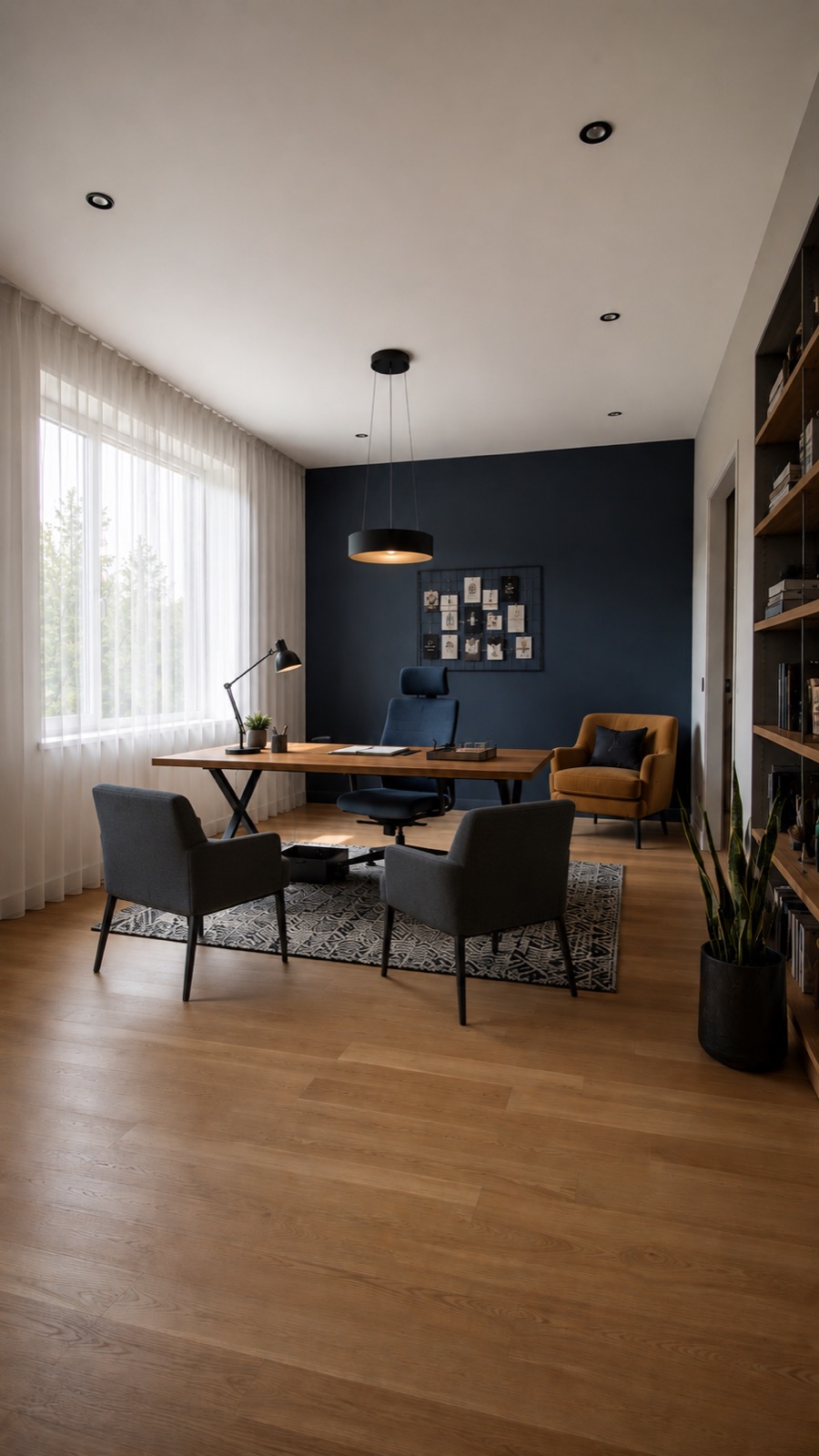
Preserve the existing architecture while completely recreating furniture, decoration and layout.
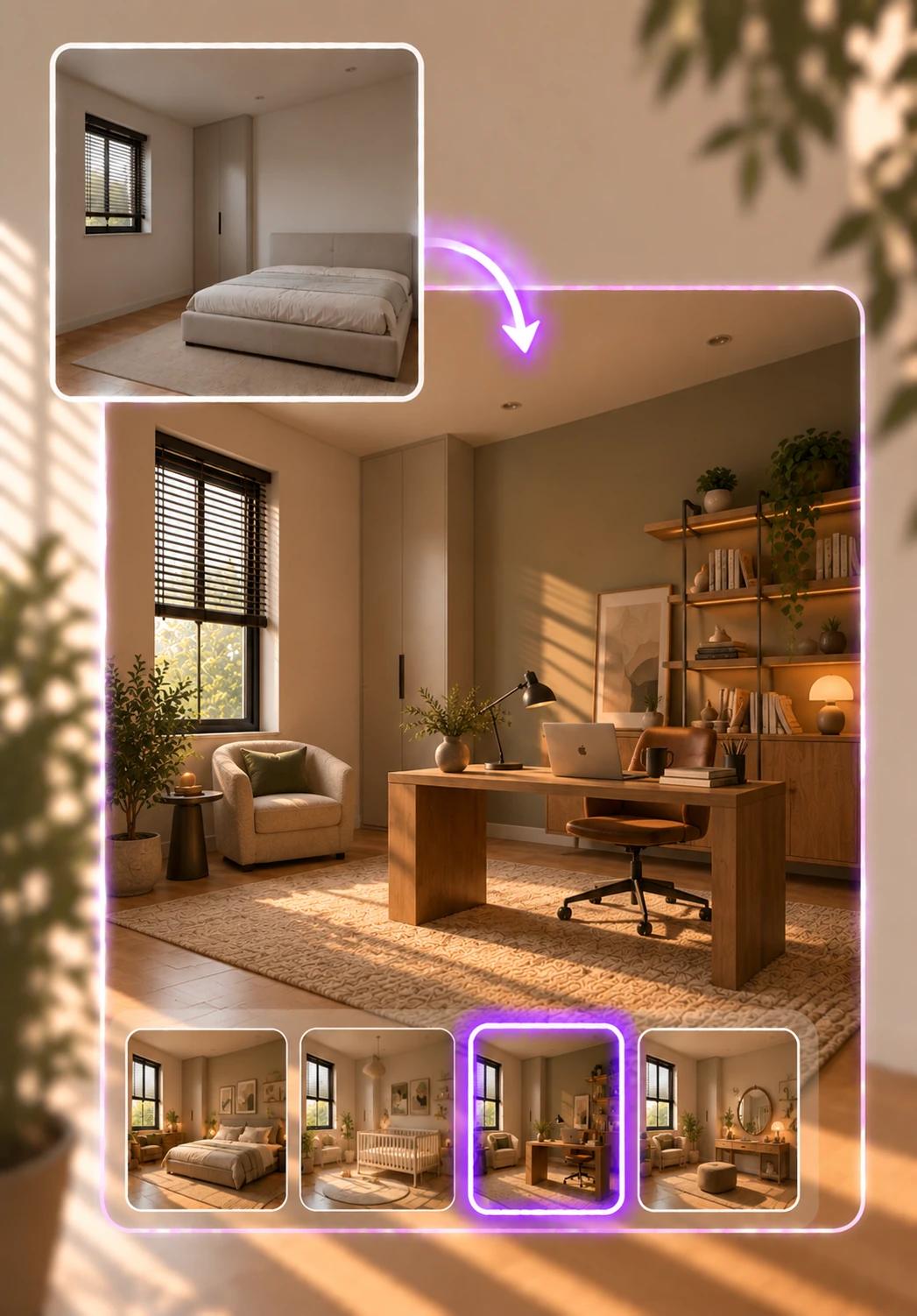
Interior AI analyzes your existing space and creates photorealistic design alternatives that match the room function and design style you choose. It lets you explore new ideas in seconds without changing the architecture of your space.
Redesigning an interior requires bringing together the right furniture, colors, materials and layout. And imagining the result before applying it is not always easy.

Evaluate design decisions before applying them with Interior AI. See different colors, furniture, materials and design styles directly on your own space; compare alternatives and simplify your decision-making process.
Features
Creates designs while preserving walls, doors, windows, columns and the core geometry of the space.
Analyzes the scale of the space; positions furniture and new design elements at realistic dimensions.
Places furniture not just to look good, but according to the use of the space and circulation areas.
Keeps the camera angle and perspective of the original photo so the transformation looks like the same space.
Creates photorealistic results by taking natural light, shadows and material behavior into account.
Explore different function, style and transformation alternatives quickly — without long design and visualization processes.
Interior AI is an artificial intelligence technology that analyzes a real room photo and creates photorealistic interior designs based on different styles, decoration and usage scenarios.
No. Walls, doors, windows, columns, ceiling structure, camera angle and perspective are preserved. The new design is created within the architectural boundaries of the existing space.
Yes. You can make decorative touches with Refresh, renew specific areas with Partial Redesign, or completely redesign the interior while preserving the architecture with Complete Redesign.
Yes. For example, you can turn your living room into a home office, an empty room into a kids' room or a different living space. Interior AI creates a layout and design suited to the selected new function.
It can be used in living rooms, bedrooms, kids' and baby rooms, home offices, kitchens, dining rooms, bathrooms, dressing rooms, guest rooms, hobby and game rooms, and other living spaces.
You can try different design styles on your own space, including Minimal, Scandinavian, Japandi, Modern, Contemporary, Industrial, Rustic, Bohemian, Classic and Luxury.
Interior AI analyzes the scale and perspective of the space and positions furniture at realistic proportions; it aims for a balanced layout that takes circulation areas, doors and windows into account.
No. Just upload your room photo and choose the transformation level, room function and design style. Interior AI manages the design and visualization process for you.
Create your own visuals in minutes with the LUNAAR app.
Free to download · Results in minutes

Next technology
AI-powered 3D rendering solutions