
Limited Time Offer! Get 50% off on all packages. See Packages
Studio AI
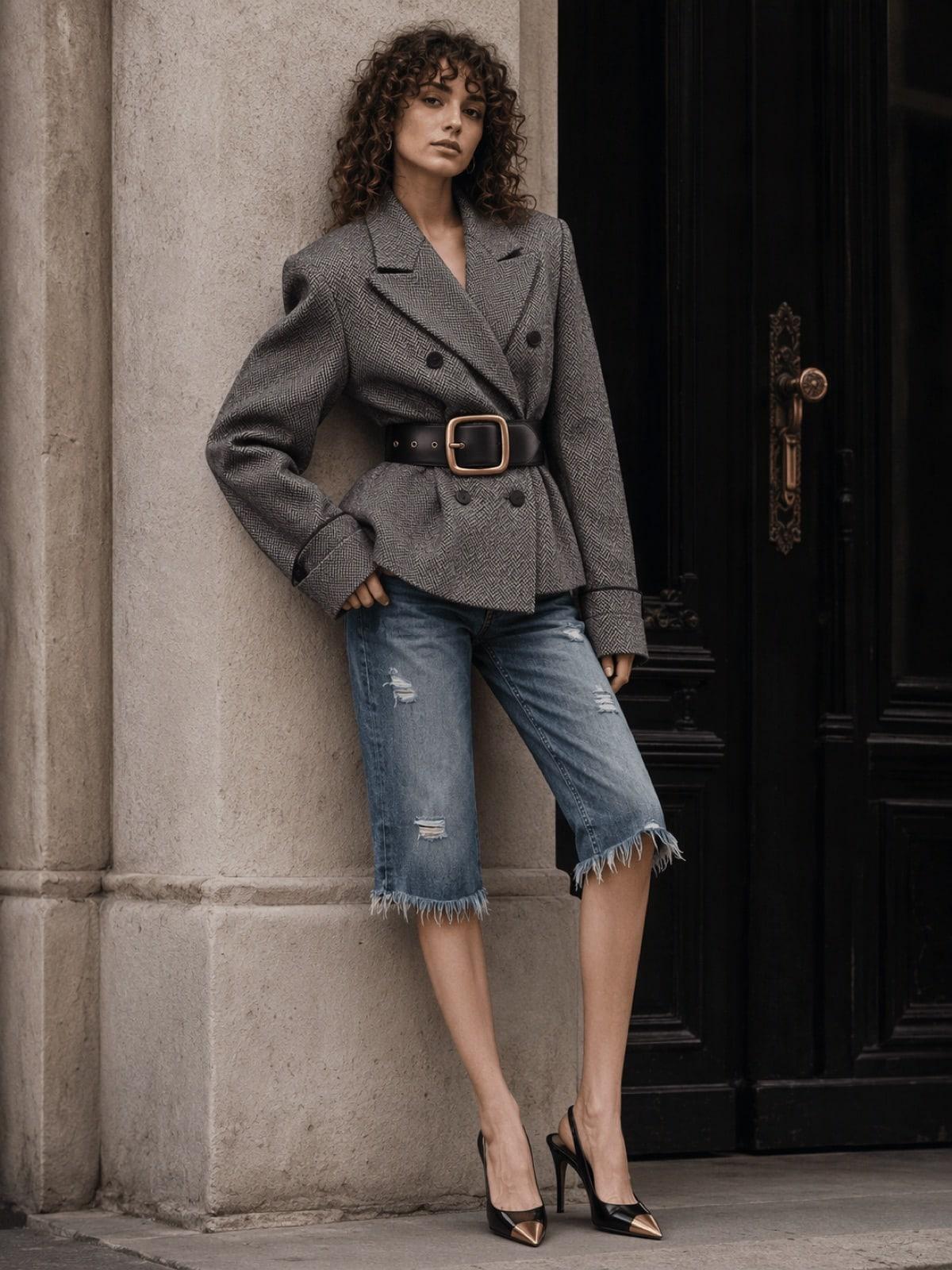
Create professional fashion visuals from a single product photo. Upload your garment; choose one of the LUNAAR models, use your own model photo or a photo of yourself. Studio AI visualizes your product on the model photorealistically.
Try for Free
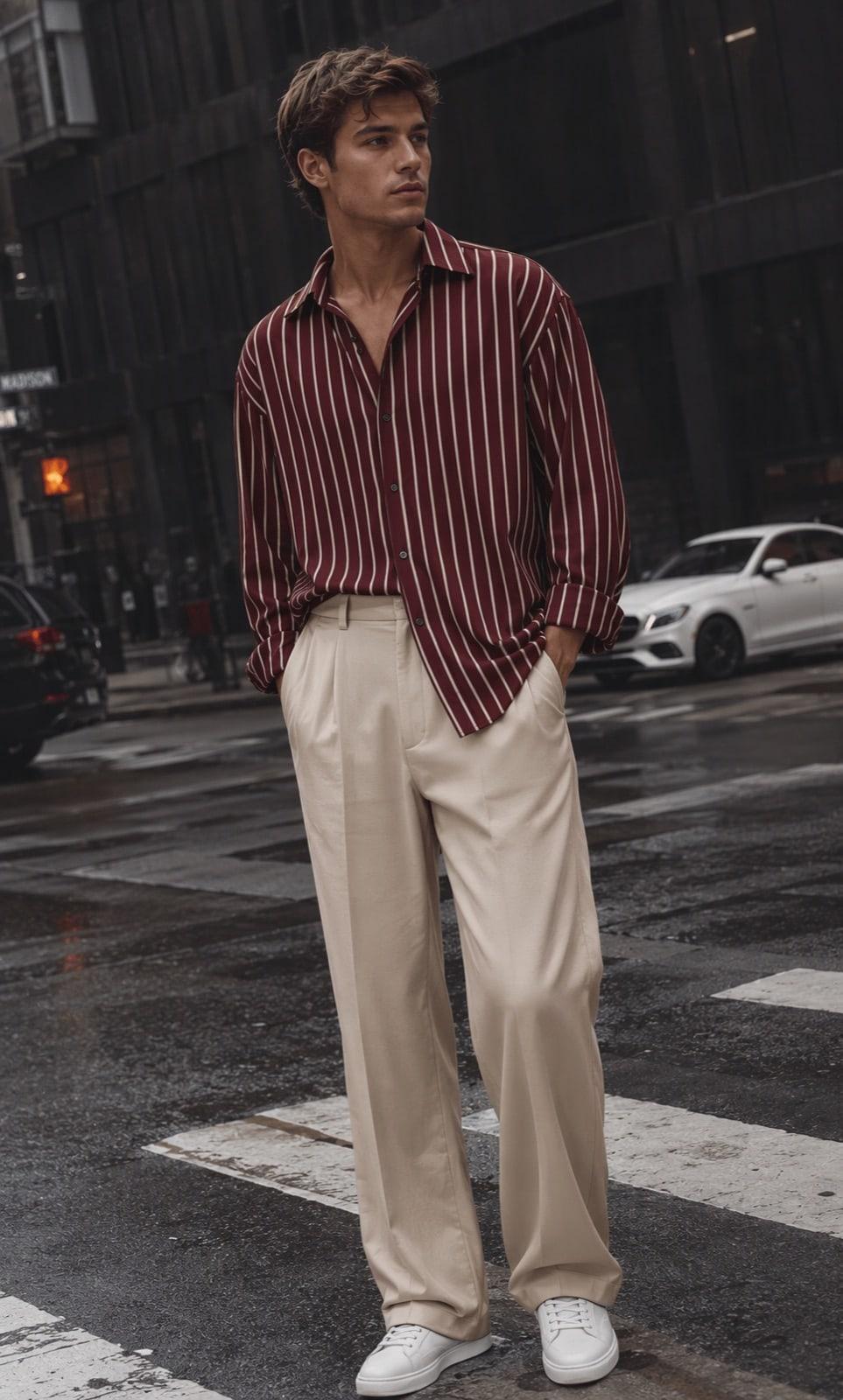


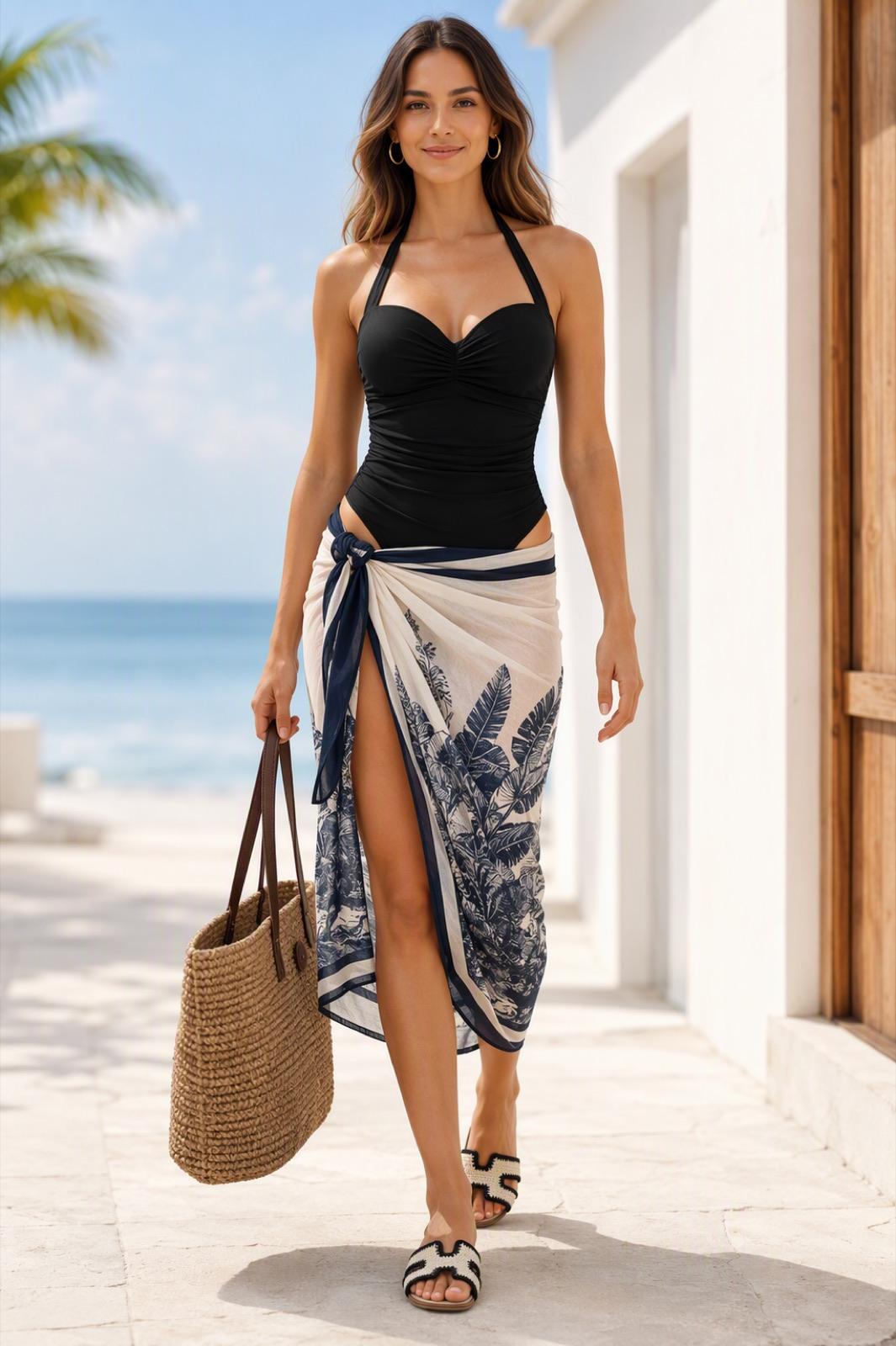

Choose your model, shoot atmosphere and generation mode; showcase your collections without needing a physical studio or photoshoot.
How does it work?
Studio AI analyzes the product and model images you upload and creates photorealistic fashion visuals that preserve the product’s design features.


Upload the product you want to visualize or pick it from My Wardrobe.

Choose one of the LUNAAR models, or use your own model or your own photo.


Set your generation mode; pick a studio or seasonal shoot atmosphere.
View the photorealistic fashion visual of your product on the model in seconds.
Use cases
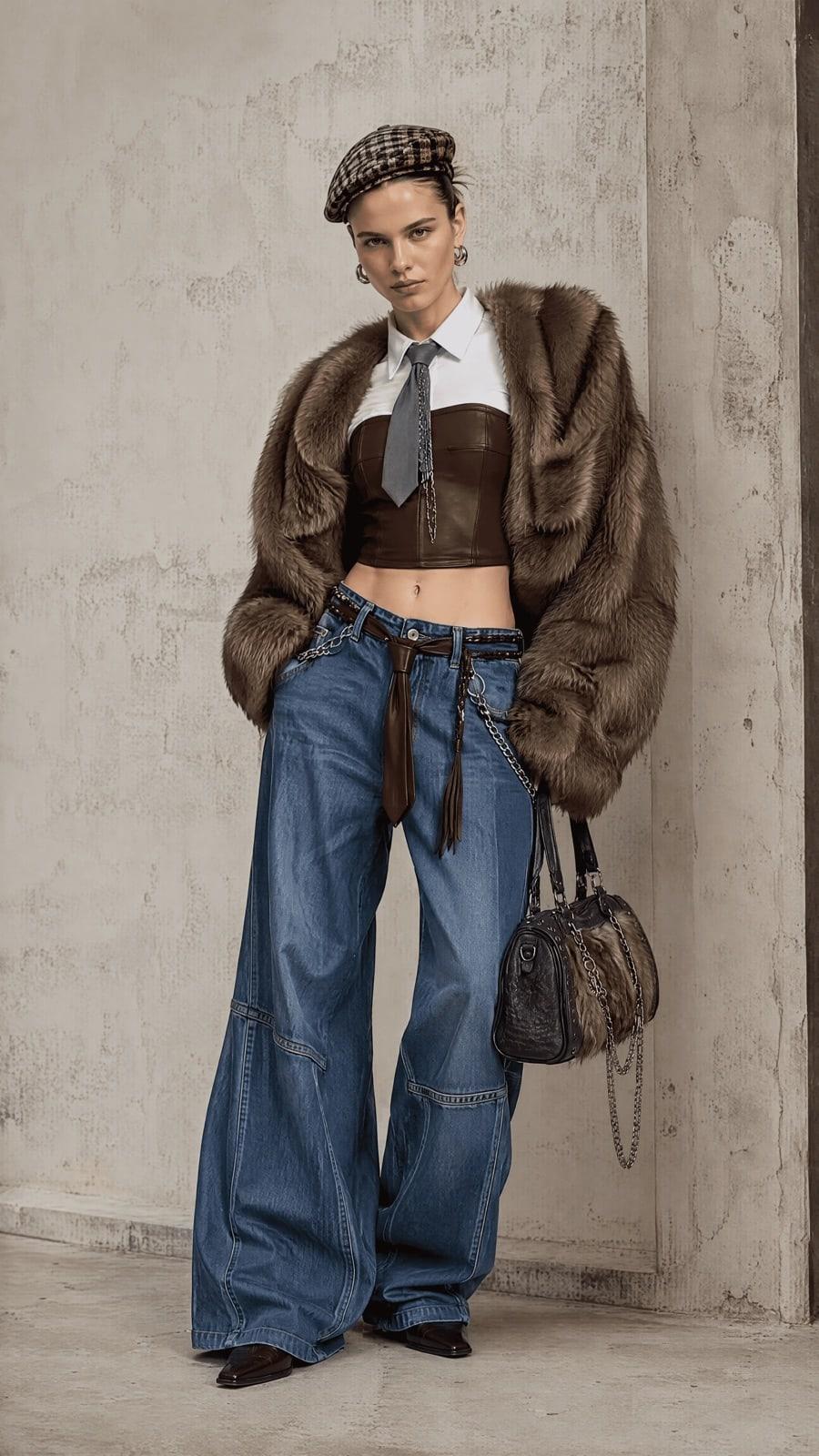
Showcase your collections with different models and shoot atmospheres; produce product and campaign visuals without depending on physical shoots.

Create photorealistic visuals that show products on models and help shoppers evaluate products better.

Turn moodboards and design ideas into photorealistic visuals; see your ideas before production.
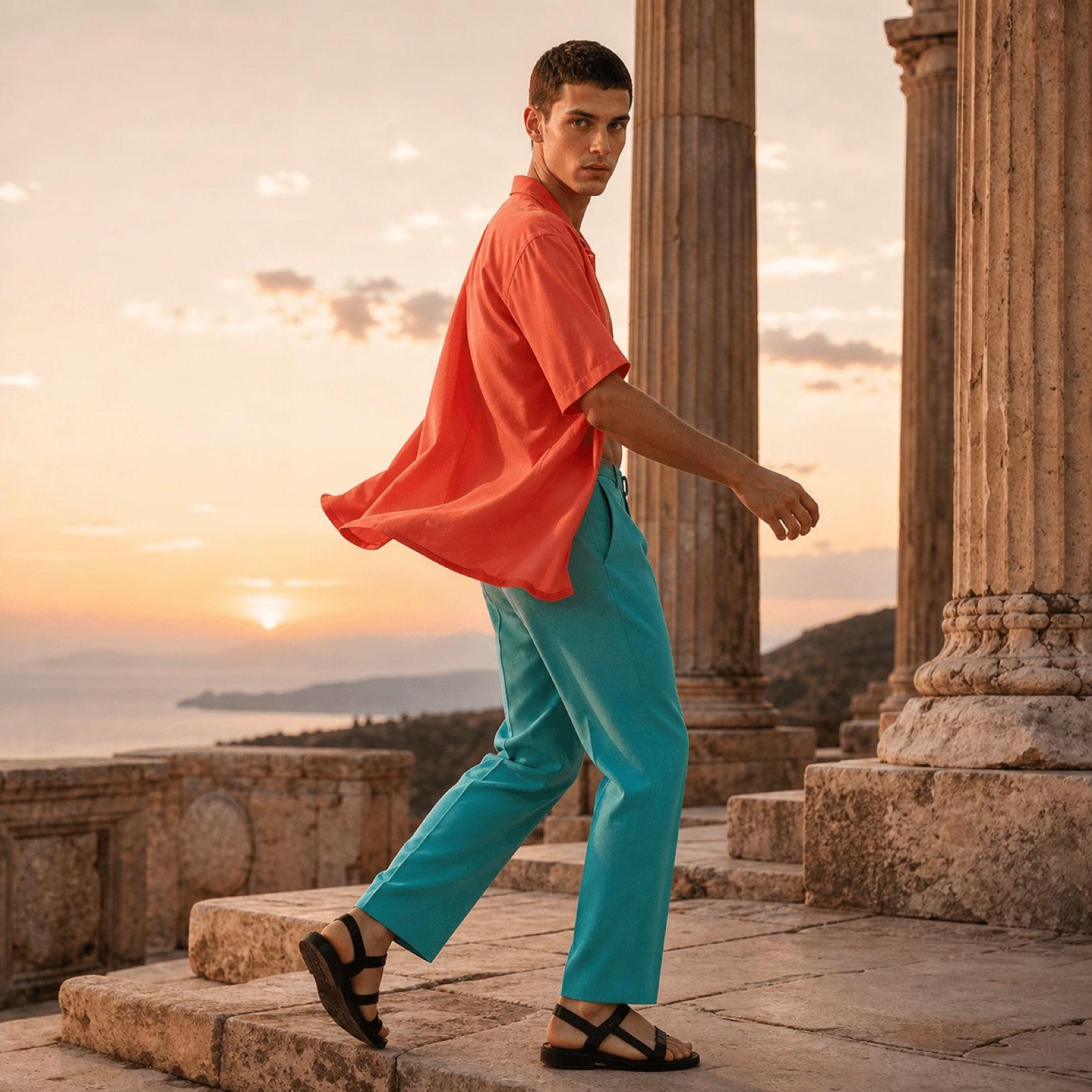
Quickly create alternative models, outfits and atmospheres for campaigns and collections.

Use your own photo, see how clothes look on you and try new outfits with pieces from your wardrobe.
Created with LUNAAR
The next idea is yours.
Production modes
With Studio AI, create different fashion visuals — from a single product to multi-piece outfits, from layered looks to summer collections and design ideas.

Single Item
See a single garment image photorealistically on the model you choose. Turn it into a professional fashion visual while preserving the product’s form, color and design details.
One product. One model. A new shoot in seconds.
Studio AI analyzes product and model images and renders the garment on the model photorealistically. It preserves the product design while bringing model, outfit and shoot atmosphere together in a single digital production process.
A fashion shoot requires model casting, a studio, a photographer, equipment, styling and production. Every new product, collection or campaign means planning this process all over again.
With Studio AI, pick the model that fits your brand and collection. Choose from LUNAAR’s ready-made models, upload your own model photo or try it on a photo of yourself.
LUNAAR Models
Choose from ready-made digital models with different looks and body types.
Your Own Model
Upload your brand’s model photo and visualize your products on the same model.
Your Own Photo
Use your own photo and experience how the clothes look on you.


Upload once. Combine as much as you like.
No need to upload the same images again and again for every new outfit.
Save your garments and model photos with My Wardrobe. Reselect pieces you uploaded before, bring different products together and create new outfits in seconds.
As your collection grows, your digital wardrobe grows with you.
Shoot atmospheres
With Studio AI, choose not only who wears your product but also the atmosphere it is presented in. From studio shoots to seasonal fashion atmospheres, define the visual world of your collection.
A clean, controlled fashion studio look.
Fresh, natural shoot atmospheres for spring collections.
Bright, season-focused fashion shoots that support summer collections.
Autumn fashion visuals that carry the colors and mood of the season.
Urban, season-focused fashion shoots for winter collections.
What Does Studio AI Offer?
With Studio AI, create different models, outfits and shoot atmospheres from a single product photo. Visualize your collections faster, scale content production and reduce the need to set up a physical production process from scratch for every new visual.
Visualizes the product on the model while preserving its color, form, fabric look, patterns and characteristic design details.
Choose from LUNAAR models, upload your own model photo or try the product on a photo of yourself.
Bring multiple products together in the same look or visualize layered outfits on the model.
Save your garments and model images; pick them straight from your wardrobe instead of uploading them for every generation.
Create different collection and campaign visuals from the same product with studio and seasonal mood options.
Creates realistic fashion visuals by taking into account how the garment sits on the model, fabric behavior, light and its relationship with the body.
Studio AI is an artificial intelligence technology that turns garment images into photorealistic fashion visuals on the model you choose.
You can generate for different product and fashion visualization needs with the Single Item, Combo, Layer, Summer and Styling modes.
Yes. You can choose from LUNAAR models or upload your own model photo.
Yes. Using your own photo, you can try the product directly on yourself.
My Wardrobe lets you save the garments and model photos you upload. That way you can select them directly in later generations without uploading the same images again.
Yes. With the Combo mode you can bring different products together in the same look, and with Layer you can create layered outfit visuals.
Yes. You can set the shoot atmosphere that suits your collection with the studio, spring, summer, autumn and winter options.
Styling turns fashion design moodboards into photorealistic fashion visuals so you can see your ideas before production and shooting.
Create your own visuals in minutes with the LUNAAR app.
Free to download · Results in minutes

Next technology
AI virtual try-on for eyewear